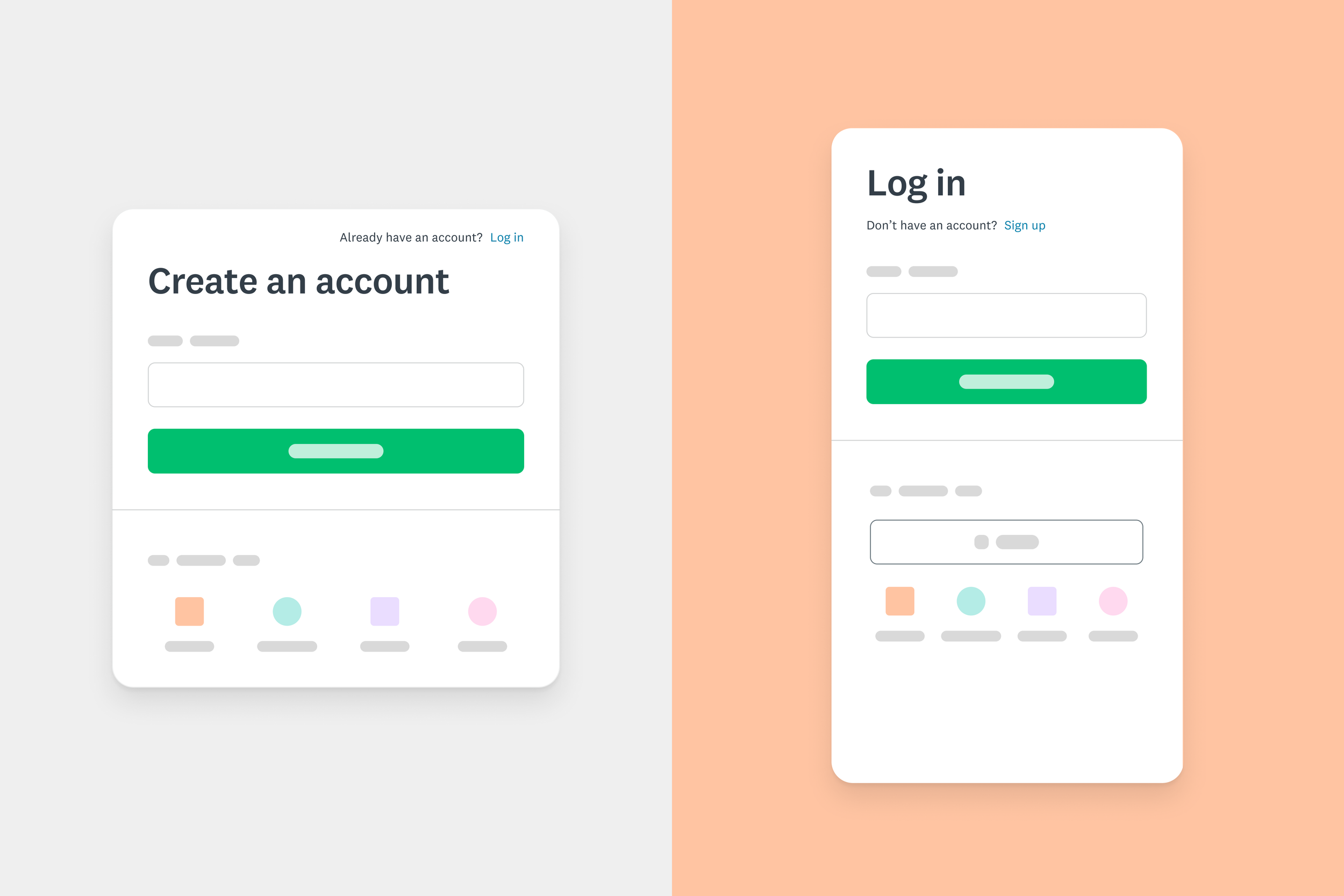
SurveyMonkey authentication experience
Guiding users through changes to the login and sign up flows
TEAM
1 Product Design Lead, 1 Product Manager, 1 Content Designer, 1 Engineering Lead, 3 Engineers
MY CONTRIBUTION AS DESIGN LEAD
Mapping and designing the flows
Conducting research
Producing, organizing, maintaining documentation, and supporting the implementation
PROBLEM
The new authentication system required changes to the flows
The company decided to replace its in-house authentication system with a new one with enhanced security features. The new system required a fundamental shift in the sign-up and login experiences: emails would now become unique account identifiers. The former system required usernames instead.
It was necessary to guide existing users through these changes, especially on their first log-in, when their credentials would be migrated to the new system. Naturally, granting customers access to the product was a critical functionality that this transition could not jeopardize.
The previous login required users to enter their username. Users could have multiple accounts under the same email as long as they used unique usernames.
GOALS
Ensuring users’ continued access to their accounts
The main design goal was to guide existing users through the changes to the login requirements and facilitate a smooth migration of their credentials to the new system.
Success indicators
No disruption on sign-ups and logins
No significant increase in the number of support tickets and complaints
DESIGN
Linking accounts under the same email
Users who had already used unique emails on their accounts needed minimal guidance. However, people with multiple accounts under the same email had to “link“ their accounts. This flow enabled users to set new credentials (email and password) to access all accounts.
Linking accounts flow. Users were required to log in, opt in the linking flow, verify their email, and set a new password to start accessing all of their accounts with the same credentials.
Steps
-
1. Log in
The system checked if emails entered on the Login screen were tied to multiple accounts. If so, users were redirected to link their accounts.
-
2. Intro
The intro step explained the combining logins flow, and set expectations. The main goal was to convince users to get it done sooner than later.
-
3. Verification
For security reasons, users needed to verify their identity before being able to set a new password.
-
4. Password reset
In this step, users set a new password to access all combined accounts.
-
5. Select account
Combined accounts were displayed on this page. Users selected which one they wanted to access. Switching would happen in this same place.
USER VALIDATION
Testing with internal users revealed a lack of clarity
The initial flow walkthrough with participants uncovered the following issues:
a.Unclear intro
The intro step was critical to convince users to complete the flow. Participants struggled to understand what would happen next and how the process would work.
b.Overlooked validation messages
To increase security, we made the password creation rules stricter. Participants did not read the complete validation message that explained what they needed to do to set a strong password.
c.Unclear account information
The select account page should provide enough information for users to recognize their different accounts. Participants were unsure about the meaning of the date displayed.
Improvements
Iterations focused on how the information was presented. In some cases, new content was added. In other cases, the visual presentation helped call attention to an important message.
Starting with why. The final intro message began with why users needed to link their accounts instead of starting with the process outcome. The process was highlighted and broken down into 2 steps.
Showing continuity. The line break between password strength and message was removed. The final design kept the color consistent throughout the text to show continuity.
Adding context. The context added to the dates in the final design helped improve users’ confidence in what they meant.
RESULTS
Lots of traffic, no incidents
The launch did not cause any significant disruption to authentication services. Support tickets and complaints were closely monitored. Most resulted from edge cases.
The numbers below give a dimension of the general traffic 6 months after launch.
Post-launch experimentation
A follow-up experiment has been done to try to boost mobile social sign-ups.
2 variants were tested:
Reducing the number of social sign-up options may increase sign-ups in general
Emphasizing social sign-ups may increase sign ups
Results were flat but the team decided to stick with variant 2 for simplicity.
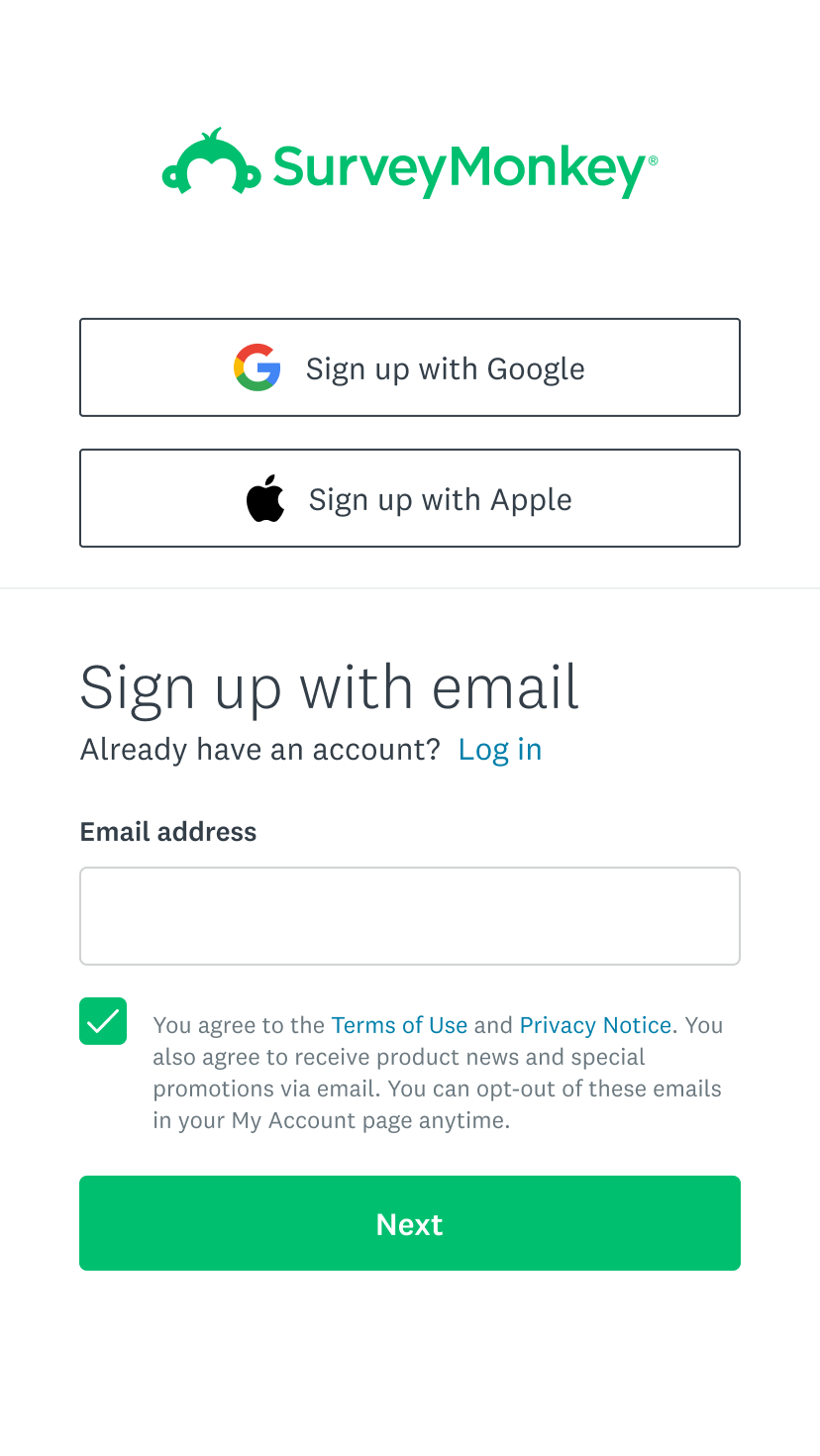
Control. Five social sign-up options at the bottom
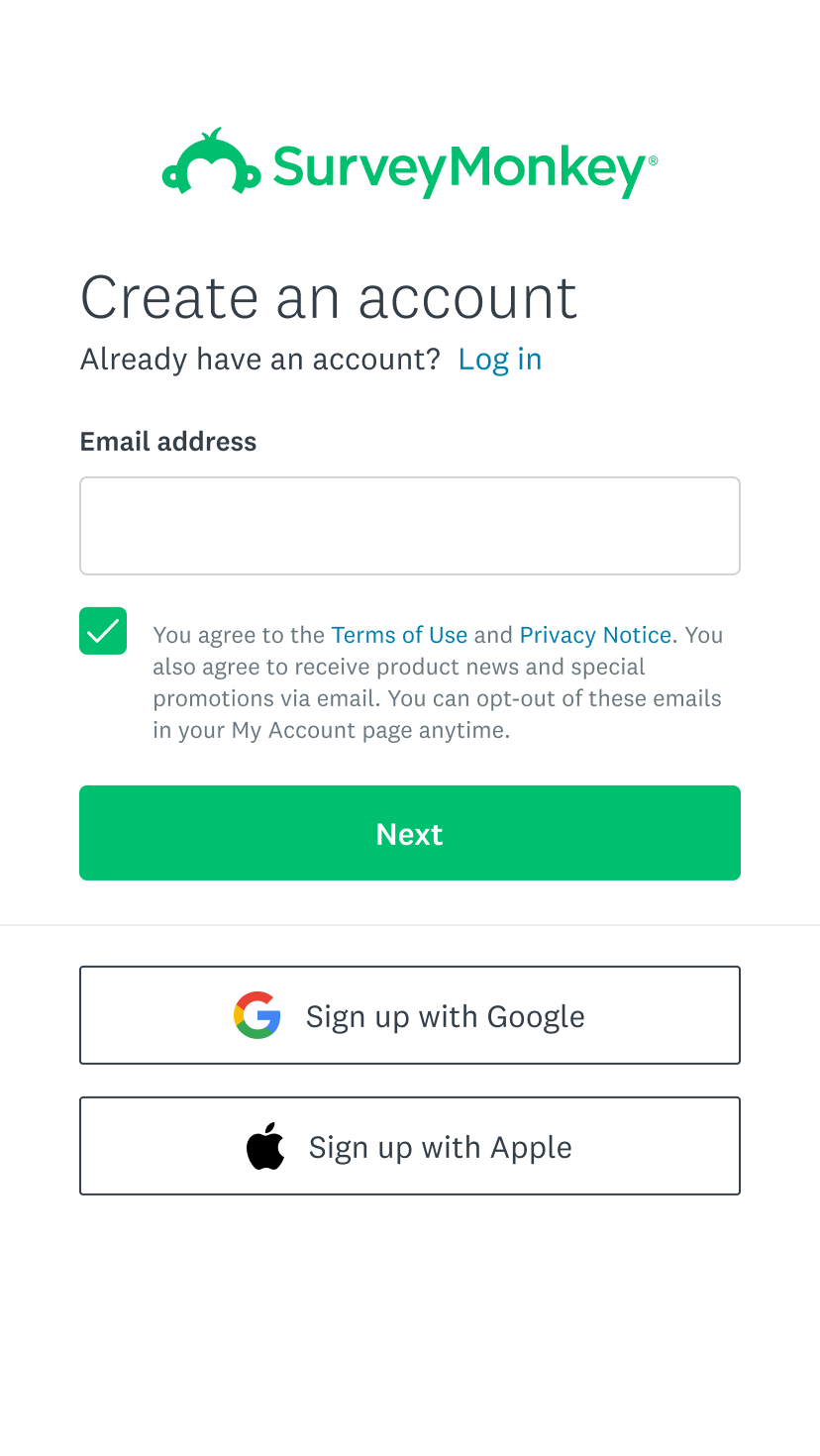
Variant 1. Two social sign-up options at the top
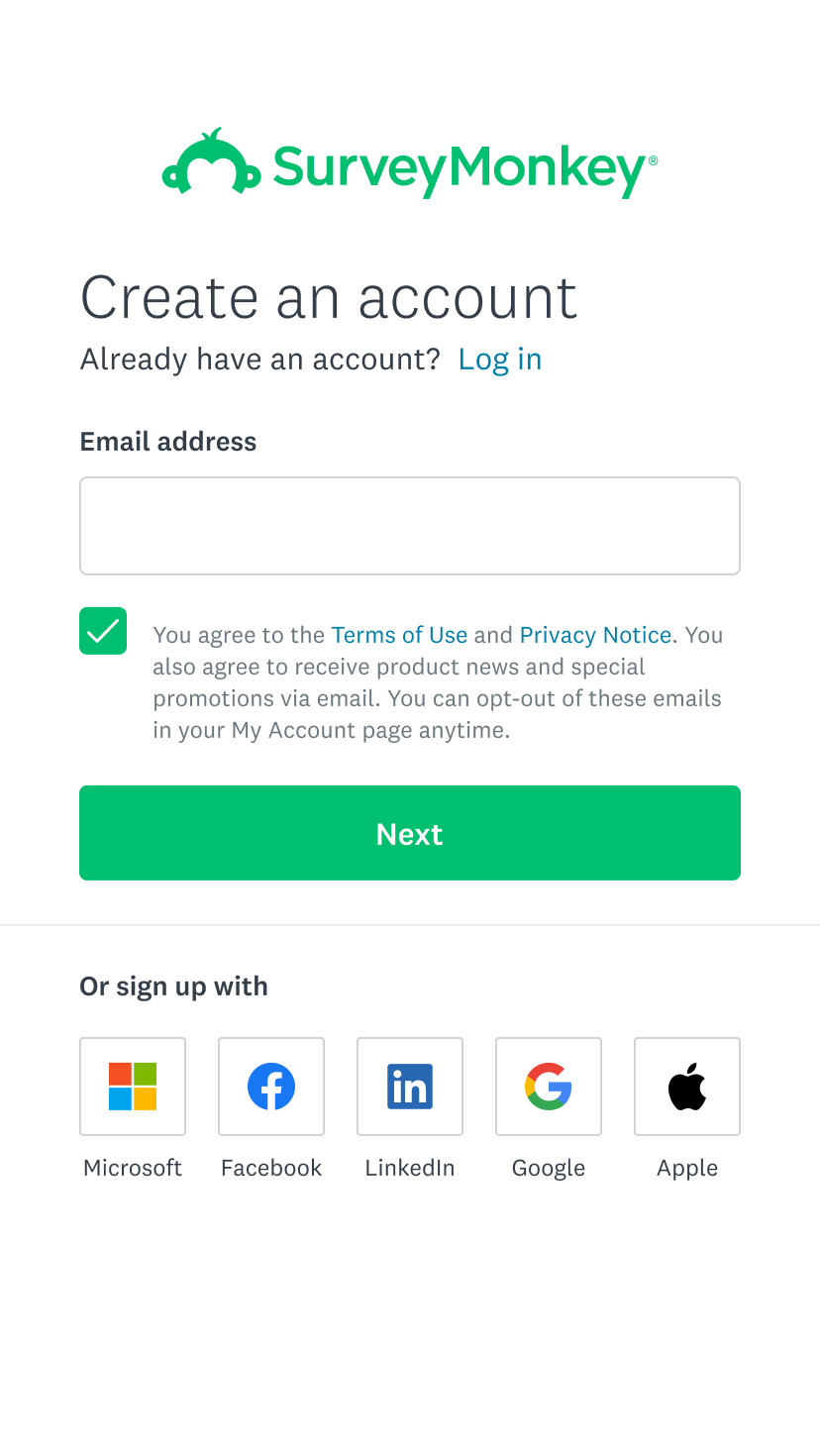
Variant 2. Two social sign-up options at the bottom
Success factors
Build strong relationships
This was a complex project with several stakeholders which could have become a dreadful endeavor. However, our weekly syncs with product management, engineering, product, and content design became a meeting we all looked forward to. The trust we built resulted in a high commitment to our success.
Documentation rhymes with organization
The project had a broad scope and tons of deliverables. Organizing the flows and documenting decisions was critical to alignment and communication with the team.
Feedback
“This project had ridiculously large scope, spanning our login/sign up flows, team invite flows, our mobile apps. Despite that, Gabi has done a tremendous job learning the in and outs of all these disparate parts of the product, and building a cohesive experience to unify all their auth flows, and producing tons of deliverables in the form of screens, flows, and recommendations.
On top of all of that, she was doing it while working with a team of all back-end engineers with little (if any) experience working with designers on features. She’s shown tremendous patience with us during all our design syncs, and was an invaluable partner for this whole project”